Class 5
Your book, chapter by chapter, as short films.
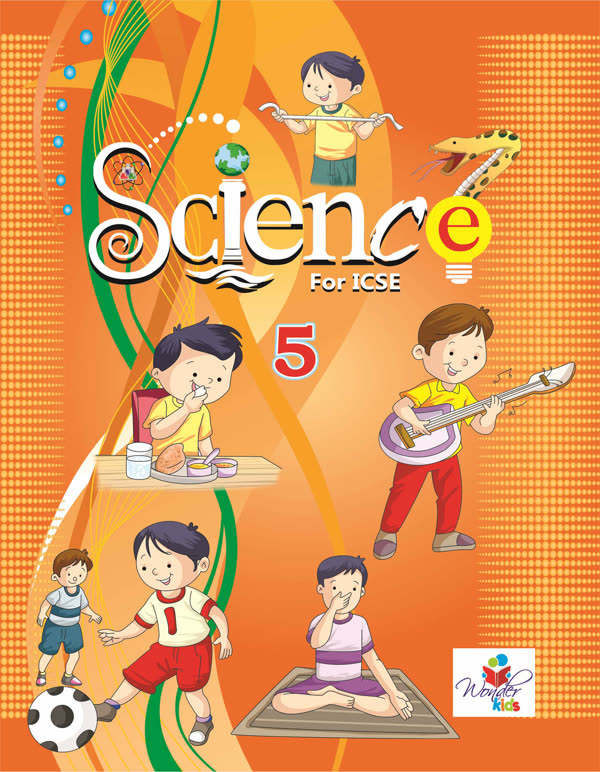
GyanPath turns every chapter of your ICSE Science and Social Studies books into a short film. The film stops to ask you questions, every question in the book is answered, and you can practise until you know it.
Four easy steps
How GyanPath works
- Step 1: Choose your class and subjectDone once, at the start. Switch subjects with the buttons at the top. A grown-up can change the class in Settings.
- Step 2: Watch the chapter filmIn Lessons, each chapter is one film. It stops at its question cards: tap your answer right on the card. A wrong tap says try again; the right one plays the film's own answer.
- Step 3: See every book question answeredIn Practice, tap any question from your book. The part of the film that teaches it plays, with the answer written below.
- Step 4: Practise and watch yourself growTake the quick quiz for each chapter. Your best score, and the book answers you have opened, show in Progress.
Find your way
What each part of the app does
- HomeThis page: your book and how to use the app.
- LessonsThe chapter films, in book order, that stop to ask you questions.
- PracticeEvery book question with its answer and film clip, and a quick quiz.
- Worksheets and TestsPrintable worksheets and test papers, each with an answer key.
- ProgressThe book answers you have opened and your best quiz score, chapter by chapter.
- SettingsChange the class, with a grown-up check, and read about GyanPath.
A note for grown-ups
For parents and teachers
- Made from the ICSE books of Som Sudha Prakashan, chapter for chapter and question for question.
- Worksheets and test papers: pick chapters and question types, then print the paper and its separate answer key, or save them as a PDF. Worksheets carry no marks; test papers let you set the total marks.
- No sign-up and no accounts. Progress is kept only on this phone or computer.
- Free to use.